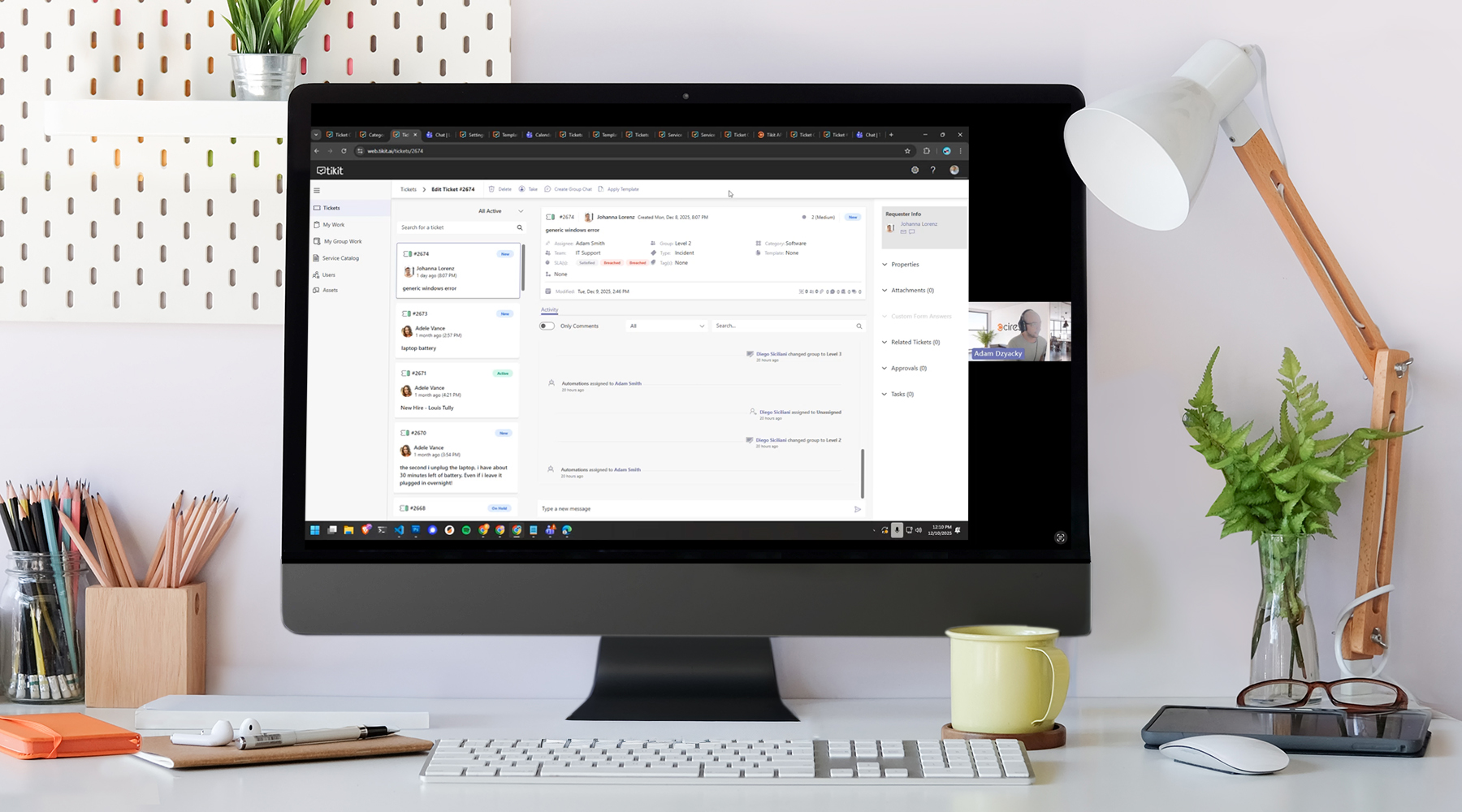
It’s been a big year for Tikit—new capabilities, smarter workflows, and features that make service management easier for everyone. But which updates made the biggest impact?
In this live walkthrough of Tikit’s Top Five Features of 2025, we’ll share why each feature earned a spot on our list and give quick, practical demos to show them in action.
In this webinar, we cover:
- Resolution Note Enhancements – capture clearer context and speed up troubleshooting
- Adaptive Card Designer Updates – build stronger end-user experiences with more control
- Service Catalog – give requesters a clean, guided, no-chat-needed way to get help
- Tikit API Documentation – unlock new integration and automation possibilities
- Group Chat, Printing & System Prompt Enhancements – game-changing features that transform your service delivery
Whether you’re already using these features or hearing about them for the first time, you’ll walk away with a clear understanding of what they do, why they matter, and how they make Tikit more powerful than ever.
Transcript Summary
In this webinar, Adam Dzyacky walked attendees through Tikit’s biggest and most impactful enhancements of 2025. This fast-paced, demo-heavy session highlighted the features customers have embraced most—and showed exactly how each one improves daily service operations.
1. Resolution Note Enhancements
Resolution Note was one of Tikit’s most highly requested features—and it’s now a fully configurable, end-to-end experience designed for accuracy, clarity, and better reporting.
Adam showcased how Resolution Note spans the full platform: Teams chats, channels, one-on-one tickets, the Agent Portal, automations, lifecycles, and even reporting. Key additions include:
- Resolution Categories for high-level grouping
- Internal Resolution Notes for private agent-only technical detail
- Draft KB Article generation to help teams close the loop on deflection
- Configurable rules for when notes are required
Attendees also saw side-by-side demos of how Resolution Notes behave differently in Teams versus the Agent Portal—including how Tikit delays status changes in Teams until the required details are submitted.
2. Adaptive Card Designer Updates
Next, Adam reviewed improvements to the Adaptive Card Designer—making it easier than ever to build structured, guided experiences for requesters. These updates give administrators more control over the interface and data capture, while keeping card authoring intuitive and flexible.
3. Service Catalog
This feature continues to reshape how organizations guide requesters. Instead of relying on chat-based question trees, the Service Catalog provides a clean, organized, no-chat-needed browsing experience.
Attendees saw how the catalog pulls from centralized offerings, helps reduce back-and-forth, and creates a more consistent intake experience for every user.
4. Tikit API Documentation
Tikit’s new API documentation experience makes integrations easier, faster, and more approachable—even for teams that aren’t deeply technical.
Adam highlighted:
- Interactive, paste-in-your-key testing directly inside the docs
- Code samples for multiple languages
- Live requests against your own environment
- A reminder that API testing uses production data, so teams should use discipline when experimenting
This upgrade helps organizations extend automation, build custom workflows, and connect Tikit more deeply with existing systems.
5. Group Chat, Printing & System Prompt Enhancements
The final section focused heavily on Group Chat, one of Tikit’s most transformative new capabilities—and the first phase of a multi-step vision for redefining ITSM inside Microsoft Teams.
With Group Chat:
- Tikit automatically creates a dedicated Teams group chat for each ticket
- Requesters, affected users, collaborators, and assignees are all added automatically
- Ticket Virtual Agent introduces itself and anchors the ticket link at the top
- Adding/removing people in Teams updates the ticket—and vice versa
- Status changes update the chat title in real time
Adam also walked through System Prompt Enhancements, showing how organizations can shape responses from their Azure OpenAI configuration—even injecting personality (like Santa Claus) into generative answers.
Printing updates were also touched on as part of Tikit’s quality-of-life improvements.
Live Q&A Highlights
The team fielded questions from attendees, including an update on Multi-Turn Cards—now in active QA and expected in Q1.
Next Steps
If you’d like to attend future feature deep dives, get an invite to Technically Speaking, or follow up on anything covered, reach out anytime at team@cireson.com
Tikit is a Microsoft 365 IT Service Management (ITSM) platform built to mature alongside your M365 adoption and bring service delivery directly into Teams. Want to learn more about Tikit and how it simplifies Teams-based ticketing and IT support? Check out our demo video and try Tikit in a 14-day free trial. We are so confident in Tikit’s capabilities that we’ll even set it up for free to ensure you get the most out of your Microsoft Teams ticketing experience. Schedule your complimentary setup call today.