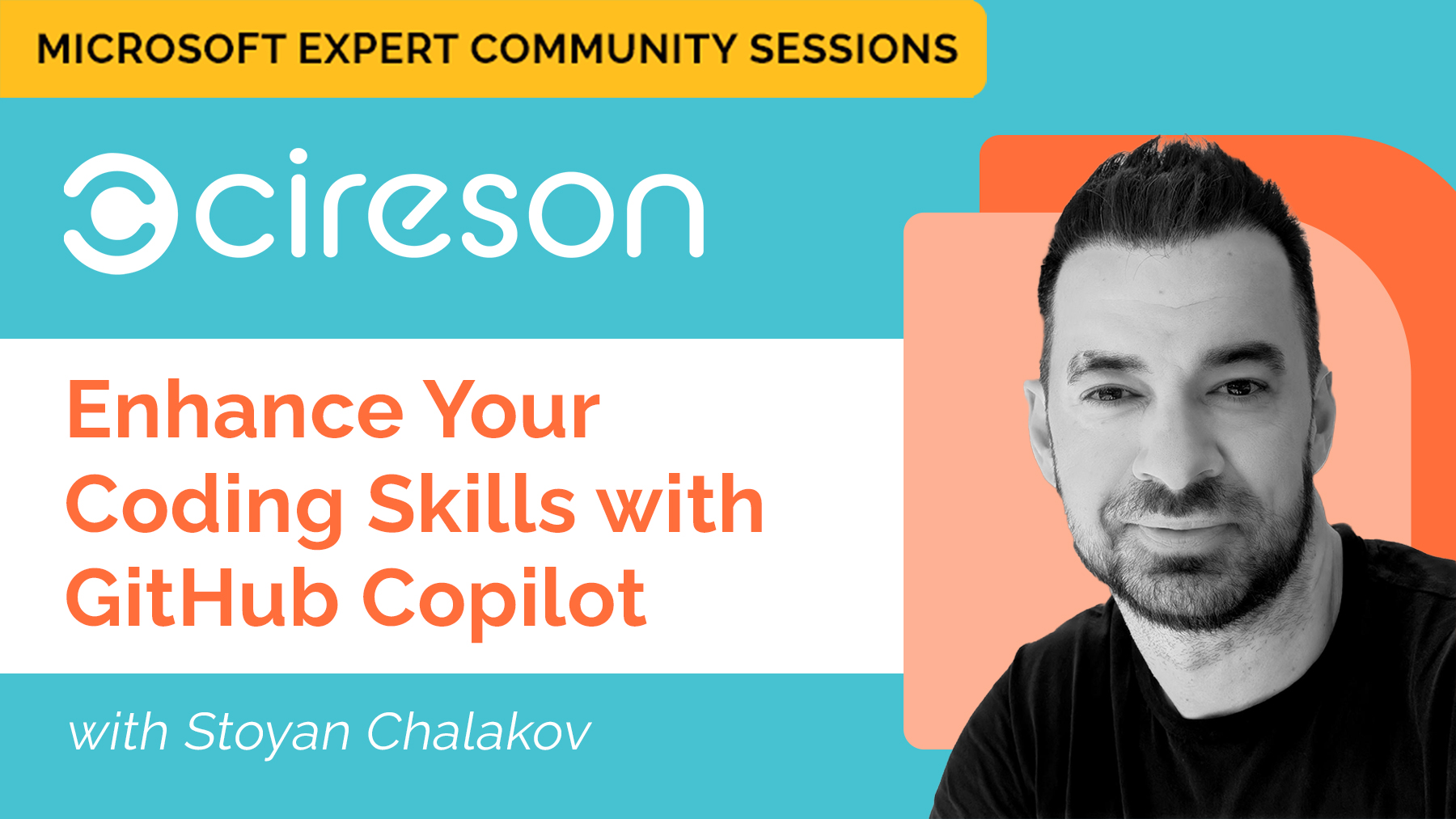
The Microsoft Expert Community Sessions were designed to bring knowledge, expertise and the latest Microsoft technology to the IT community. Each episode features a Microsoft MVP or expert to present on a specific topic ranging from Microsoft 365, AI, cloud technology, women in tech, cybersecurity, the modern workplace and much more!
Introduction to GitHub CoPilot
In this session, Microsoft MVP Stoyan Chalakov will introduce you to GitHub Copilot, the AI-powered coding assistant designed to accelerate your development workflow. You’ll learn what Copilot is, how it integrates with popular IDEs, and the real-world benefits it brings—such as faster coding, improved code quality, and enhanced learning. The session will cover practical demonstrations, setup guidance, and best practices for getting started, while also addressing security, compliance, and limitations. Watch to discover how Copilot can boost your productivity, streamline daily tasks, and make coding more enjoyable.
Who is Microsoft MVP Stoyan Chalakov?
A Microsoft MVP and long-time cloud practitioner, Stoyan Chalakov is a Senior IT Consultant and Partner at POHN IT-Consulting GmbH in Switzerland. He works closely with customers to design and manage private and hybrid cloud solutions, drawing on extensive experience with Microsoft System Center, Azure, Office 365, Hyper-V, and a broad range of datacenter and automation technologies. Before joining POHN, Stoyan supported enterprise customers across Germany, Austria, and Switzerland as part of Microsoft’s Professional Support team, specializing in high-complexity server and Active Directory scenarios. He remains active in the Microsoft community through ongoing contributions to Microsoft Q&A.
These sessions are presented by Cireson, the people behind Tikit—your modern Microsoft Teams ticketing solution. Tikit is a Microsoft 365 IT Service Management (ITSM) platform built to mature alongside your M365 adoption and bring service delivery directly into Teams. Want to learn more about Tikit and how it simplifies Teams-based ticketing and IT support? Check out our demo video and try Tikit in a 14-day free trial. We are so confident in Tikit’s capabilities that we’ll even set it up for free to ensure you get the most out of your Microsoft Teams ticketing experience. Schedule your complimentary setup call today.