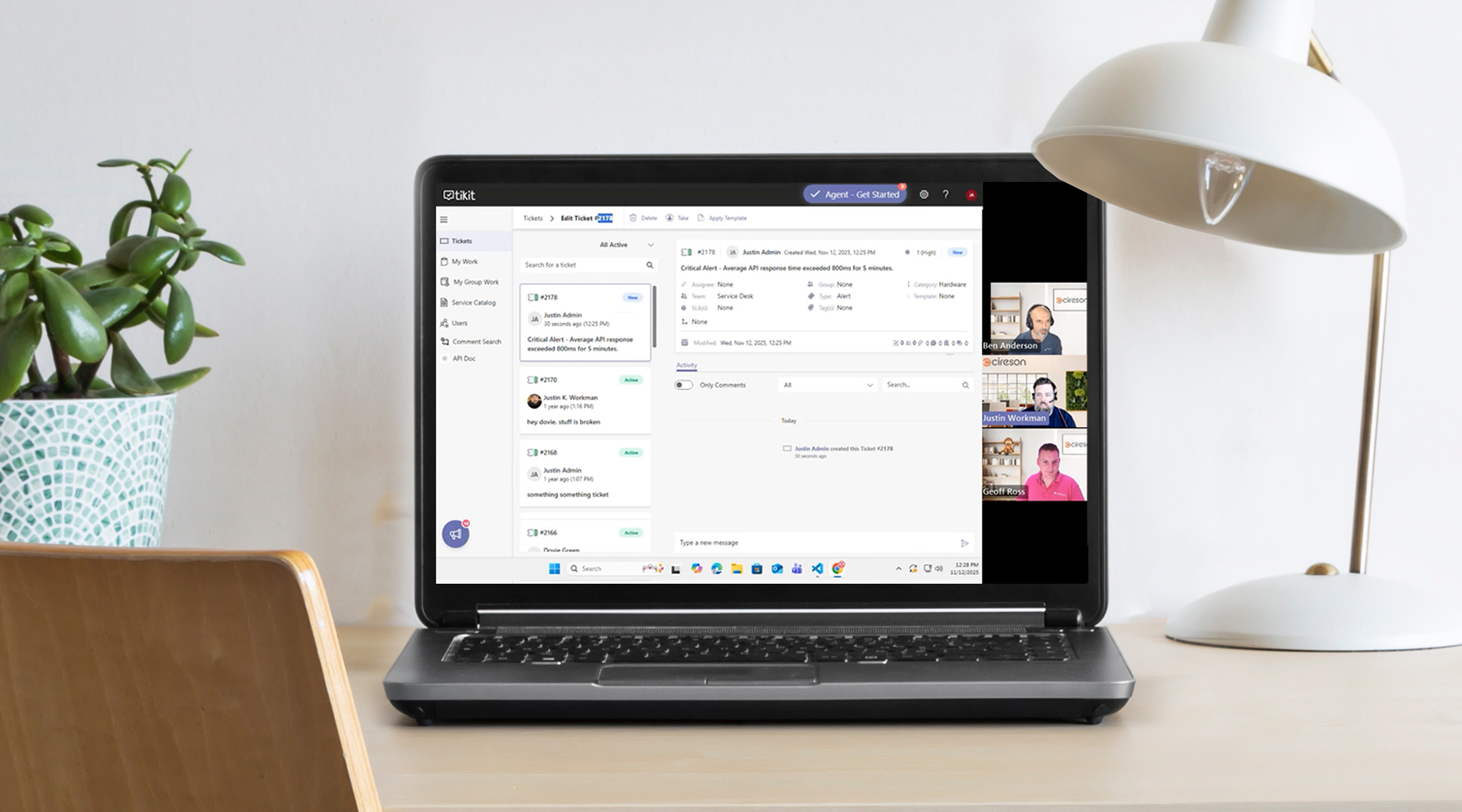
We all love monitoring dashboards for spotting trends and seeing the health of your business apps. But if someone has to notice an alert or check a report, you’re risking downtime.
Your team already uses Tikit to manage requests, SLAs, and notifications. So why not bring those same processes to your monitoring tools?
In this webinar, we’ll cover the Why, What, and How of integrating your observability and monitoring tools into Tikit—so issues get tracked, prioritized, and resolved faster.
Learn how to:
- Connect monitoring tools with Tikit for instant ticket creation and alerts
- Turn alerts into actionable requests with the right workflows and SLAs
- Reduce downtime by automating incident response from your existing dashboards
- Keep IT, DevOps, and Support aligned through one unified platform
Don’t let alerts live in isolation. See how Tikit can help you bring your monitoring data to life—and make it part of your IT service process.
Transcript Summary
Monitoring dashboards are essential for spotting trends and tracking the health of business applications, but relying solely on visual alerts or reports can leave your team unaware of critical issues. This webinar demonstrated how Tikit can transform monitoring alerts into actionable tickets, ensuring your IT, DevOps, and support teams respond faster and collaborate efficiently.
Key Takeaways
- Bringing alerts to where your team works: Integrating monitoring tools into Tikit centralizes visibility and leverages existing notification, reporting, and ticket management processes.
- Tracking, collaboration, and context: Alerts become fully trackable tickets with the ability to include collaborators, attachments, and even Tikit’s Group Chat for seamless team communication.
- Integration approaches:
- Email: Quick and easy setup for creating tickets from alert emails.
- Power Automate: Ideal for no-code/low-code integration, leveraging prebuilt connectors and automation workflows.
- APIs: For advanced or fully custom integrations, allowing full control over ticket creation and updates.
- Demo scenario: Justin and Ben showcased a Power Automate workflow capturing an alert via webhook, creating a ticket in Tikit, and returning the ticket ID to the monitoring tool. They also demonstrated a workflow for automatically resolving the ticket once the alarm is cleared.
- Production-ready enhancements:
- Use custom ticket forms to capture detailed alert information.
- Enable two-way sync between Tikit and monitoring tools for automated resolution updates.
- Dynamically set ticket properties (priority, category, assignment) based on alert metadata.
Why it matters:
By integrating monitoring tools with Tikit, teams eliminate the “wallboard problem,” reduce downtime, and create a structured, auditable workflow for alert management. This approach keeps everyone aligned and ensures critical issues are not missed, regardless of where team members are working.
Next Steps / Additional Resources:
- Reach out to Cireson Customer Success at help@cireson.com for guidance on setting up alerts and workflows in Tikit.
- Explore Tikit’s Power Automate connector library for workflow automation with your existing monitoring tools.
Tikit is a Microsoft 365 IT Service Management (ITSM) platform built to mature alongside your M365 adoption and bring service delivery directly into Teams. Want to learn more about Tikit and how it simplifies Teams-based ticketing and IT support? Check out our demo video and try Tikit in a 14-day free trial. We are so confident in Tikit’s capabilities that we’ll even set it up for free to ensure you get the most out of your Microsoft Teams ticketing experience. Schedule your complimentary setup call today.