Tikit is an AI-powered ticketing system built for Microsoft Teams that’s powerful on its own. But when you connect it with the Microsoft ecosystem? That’s when things get really interesting.
In this webinar, we walk through 5 Amazing Tikit Integrations to Try Now—including one so powerful, it made the list twice.
Highlights:
- Power Automate – automate complex actions within Tikit
- Power BI – turn Tikit data into dynamic, decision-ready dashboards
- Azure AI – quickly introduce existing knowledge into your Tikit flow
- Power Apps – build custom ITSM related apps and embed them seamlessly into Tikit
- Power Automate (yes, again) – because you can also automate outside of Tikit to fulfill requests without lifting a finger
For each integration, we break down:
- What it is
- How you build it
- How you connect it to Tikit
- Real examples of what you can accomplish
Whether you’re an IT admin, service manager, or citizen developer, this webinar will give you practical ideas you can start building immediately.
Transcript Summary
In this webinar, Geoff Ross and Justin Workman explored five powerful Tikit integrations that extend service management beyond the platform itself. From automating ticket workflows and fulfillment to visualizing data and embedding custom apps, the session demonstrated how Tikit integrates with the Microsoft ecosystem to drive efficiency, insight, and zero-touch service delivery.
Key Takeaways
Power Automate for Dynamic Ticket Workflows
Power Automate can control the lifecycle of a ticket based on user attributes and form responses.
Approvals can be dynamically assigned based on department, while tasks can be automatically generated based on selections within the request form.
This enables flexible, logic-driven workflows without over-engineering templates.
Power BI for Actionable Reporting
Tikit’s Power BI template makes it easy to visualize ticket data and drive business decisions.
Users can slice and filter data by source, assignee, team, requester, or status—including deflected tickets.
The template handles the data modeling, allowing teams to quickly build custom visuals and export drill-down reports.
Azure OpenAI for Knowledge Deflection
Tikit integrates with Azure OpenAI to surface answers from existing documentation, such as employee handbooks or IT policies.
If no Service Catalog knowledge article is found, Tikit falls back to Azure OpenAI for a generated response—with citations and disclaimers for transparency.
Deflected tickets are tracked and reportable, allowing teams to measure AI-driven support effectiveness.
Power Apps for Embedded, Contextual Experiences
With the upcoming Power Apps integration, organizations can embed custom apps directly into Tikit as navigation nodes or ticket tabs.
Apps run contextually within the ticket, enabling agents to view or take action on related data—such as Entra group memberships—without leaving Tikit.
This unlocks powerful extensibility, allowing citizen developers to surface Microsoft or third-party data inline with service workflows.
Power Automate for Zero-Touch Fulfillment
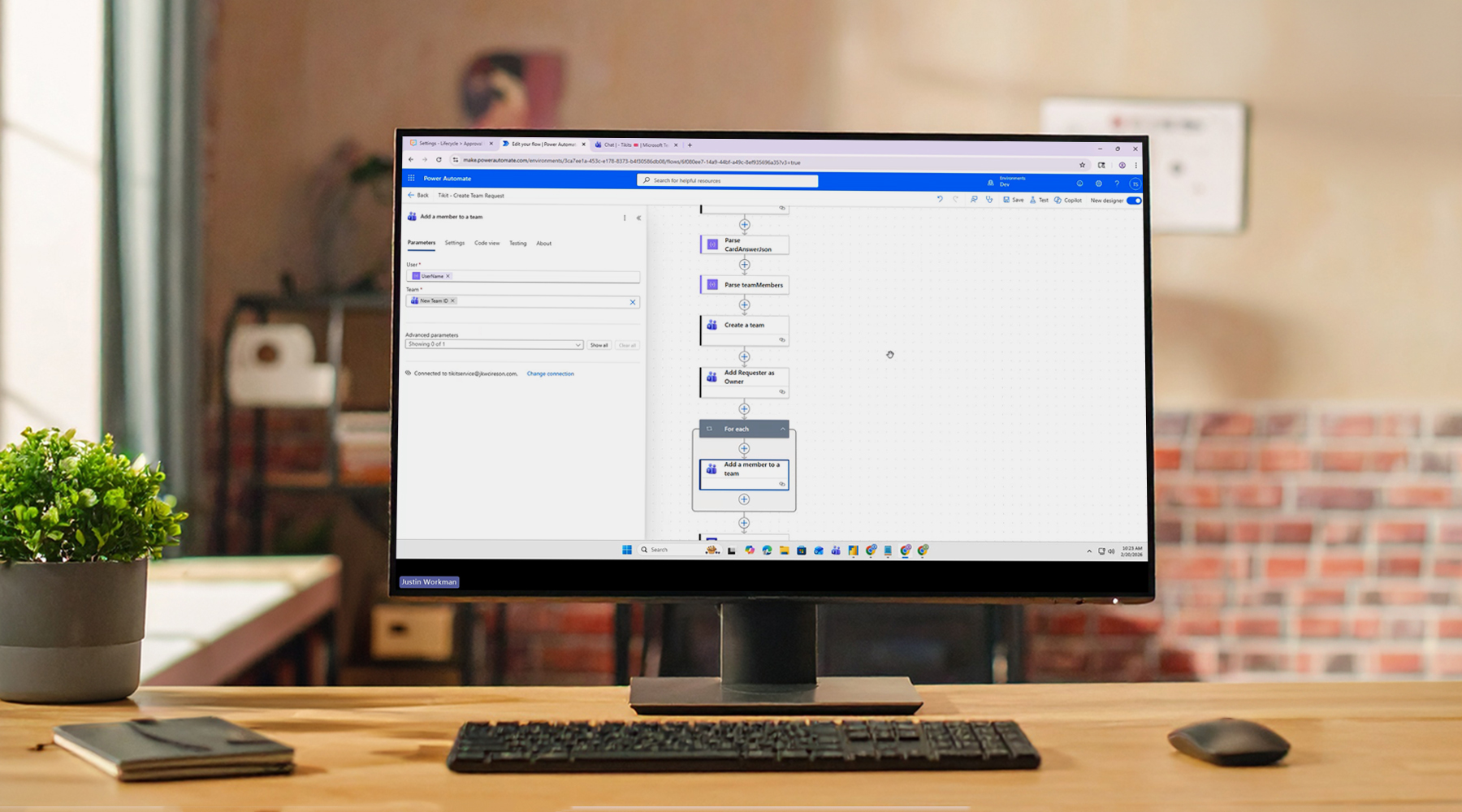
Beyond workflow automation, Power Automate can fulfill requests automatically—such as provisioning a new Microsoft Teams team.
When a lifecycle Power Automate task becomes active, flows can create resources, assign ownership, add members, and resolve the ticket automatically.
This enables true zero-touch fulfillment, reducing delays and freeing IT from manual execution.
Whether you’re automating approvals, embedding custom apps, leveraging AI for knowledge deflection, or fully automating request fulfillment, these integrations demonstrate how Tikit becomes even more powerful when connected to the broader Microsoft ecosystem.
Tikit is a Microsoft 365 IT Service Management (ITSM) platform built to mature alongside your M365 adoption and bring service delivery directly into Teams. Want to learn more about Tikit and how it simplifies Teams-based ticketing and IT support? Check out our demo video and try Tikit in a 14-day free trial. We are so confident in Tikit’s capabilities that we’ll even set it up for free to ensure you get the most out of your Microsoft Teams ticketing experience. Schedule your complimentary setup call today.