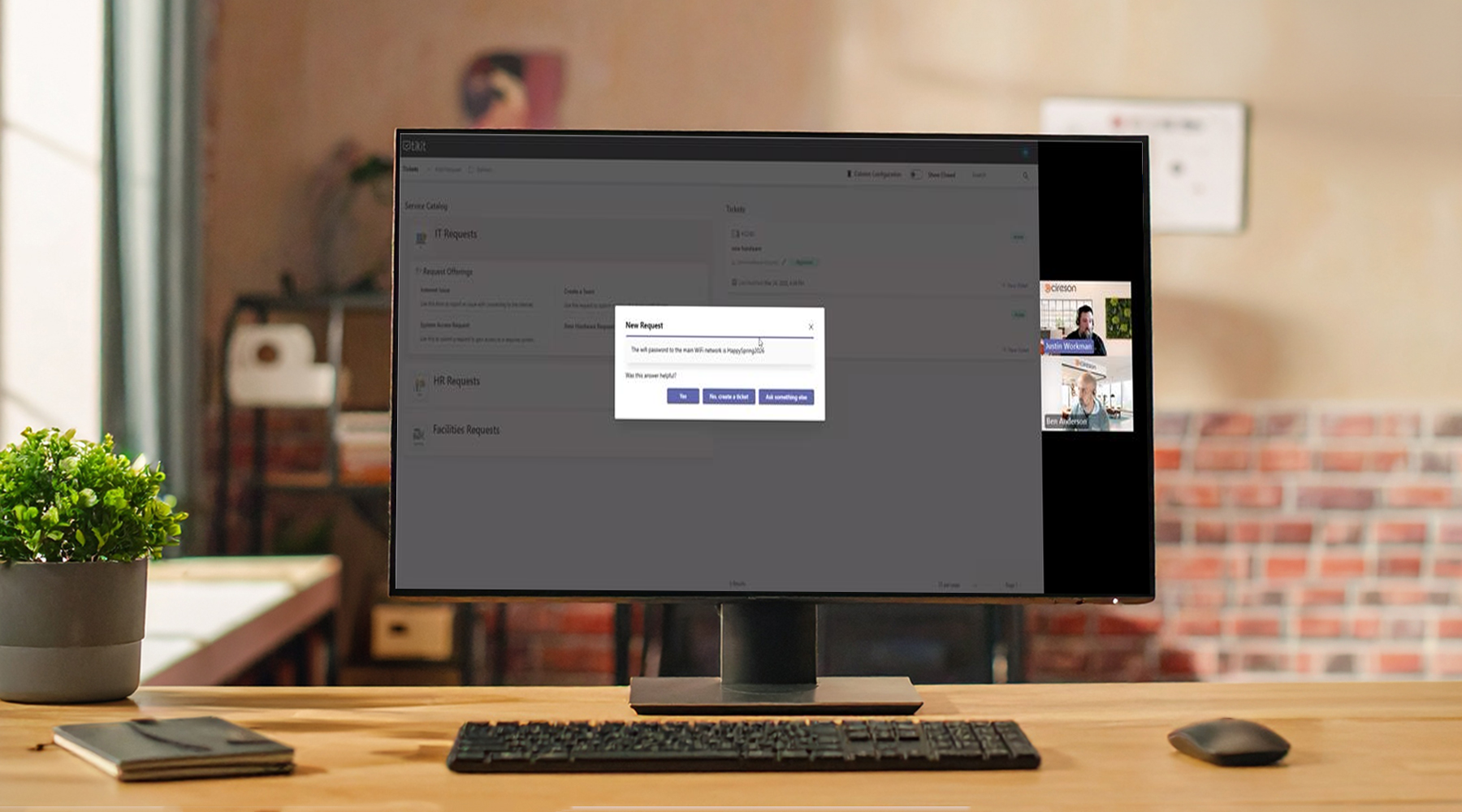
Learn how to design an IT self-service experience employees want to engage with—one that helps people get answers quickly, request help easily, and resolve issues faster without adding friction to IT.
In this webinar, we’ll show how modern self-service can transform the way employees interact with IT and internal support teams.
We’ll demonstrate how Tikit helps organizations:
- Answer questions instantly through conversational self-service
- Provide multiple ways to engage so employees can request help in the way that feels most natural
- Automate fulfillment so requests turn into outcomes faster
You’ll see real examples of how Tikit Virtual Agent, Service Catalog experiences, and workflow automation work together to create a support experience that is faster, easier, and more effective for everyone involved.
If you’re looking to improve response times, increase adoption of IT self-service, and reduce repetitive work for your support team, this session is for you.
Transcript Summary
In this webinar, Cireson’s Ben Anderson (Customer Success) and Justin Workman (Customer Success) walk through how to design and deliver an IT self-service experience in Tikit that improves response times, increases adoption, and reduces manual effort through automation and multiple engagement channels.
Key Highlights
Acceleration: Helping Users Get Answers Faster
- Focus on speed and convenience to improve user satisfaction
- Enable multiple ways for users to engage with support:
- Microsoft Teams via Tikit Virtual Agent (TVA)
- Service Catalog / Request Portal
- Use deflection to:
- Instantly answer common questions (e.g., Wi-Fi password)
- Avoid unnecessary ticket creation when possible
- Consistent experience across all channels ensures users get help quickly regardless of entry point
Adoption: Getting Users to Actually Use IT Self-Service
- Adoption increases when users:
- Get fast, accurate responses
- Can interact in familiar ways (Teams, email, portal)
- Best practices for improving adoption:
- Organize the service catalog into clear categories (IT, HR, Facilities, etc.)
- Add descriptions to help users understand what each request does
- Provide internal training and awareness materials (guides, flyers, sessions)
- Goal: reduce reliance on informal support (e.g., hallway questions, direct messages)
Automation: Turning Requests into Outcomes
- Automation is the “behind-the-scenes” driver of efficiency
- Two primary approaches:
- Tikit automation (if-this-then-that logic within tickets)
- Power Automate (for more advanced scenarios and external system integration)
- Example shown:
- User submits an ERP system access request
- Approval process is triggered (for sensitive access)
- After approval, automation fulfills the request automatically
- Ticket resolves without manual intervention
- Key benefit: faster fulfillment with reduced workload for support teams
Self-Service Channels Demonstrated
1. Tikit Virtual Agent (Teams)
- Users ask questions in natural language
- System returns answers or guides users to request forms
2. Email
- Users send requests as usual
- Tikit responds with:
- Answers (deflection)
- Links or forms to complete requests
3. Service Catalog / Request Portal
- Visual, structured interface for browsing requests
- Categorization improves usability and reduces friction
Service Catalog & Deflection Setup
- Requests and knowledge are configured in the service catalog
- Phrases enable natural language matching for deflection
- Email integration:
- Connect a mailbox (user or shared) per support team
- Enable deflection so responses are automatically sent
- Same backend configuration powers TVA, email, and portal experiences
Demo Walkthrough
- Asked a common question (“What is the Wi-Fi password?”):
- Answer returned instantly via TVA, email, and portal
- Submitted an access request:
- Request captured via form
- Approval and automation triggered in the background
- Intended outcome: automatic fulfillment and ticket resolution
- Highlighted how automation reduces delays and manual effort
Key Takeaways
- Self-service adoption depends on speed, flexibility, and ease of use
- Multiple channels (Teams, email, portal) ensure users can engage naturally
- Thoughtful service catalog design improves usability and reduces friction
- Automation enables faster, consistent, and scalable support delivery
- Deflection and automation together reduce workload while improving user experience
Follow-Up
Questions and support: help@cireson.com
Customer success team available to help with:
- Automation setup
- Service catalog design
Tikit is a Microsoft 365 IT Service Management (ITSM) platform built to mature alongside your M365 adoption and bring service delivery directly into Teams. Want to learn more about Tikit and how it simplifies Teams-based ticketing and IT support? Check out our demo video and try Tikit in a 14-day free trial. We are so confident in Tikit’s capabilities that we’ll even set it up for free to ensure you get the most out of your Microsoft Teams ticketing experience. Schedule your complimentary setup call today.